Generate SBOMs and assess open-source risk, all locally
From source, containers, binaries, firmware, or an SBOM you received. One run gives you an SBOM, an open-source notice, and a risk report. No SaaS and no account.
Download for Windows (.exe). It needs a Docker engine that is already running.
What it does
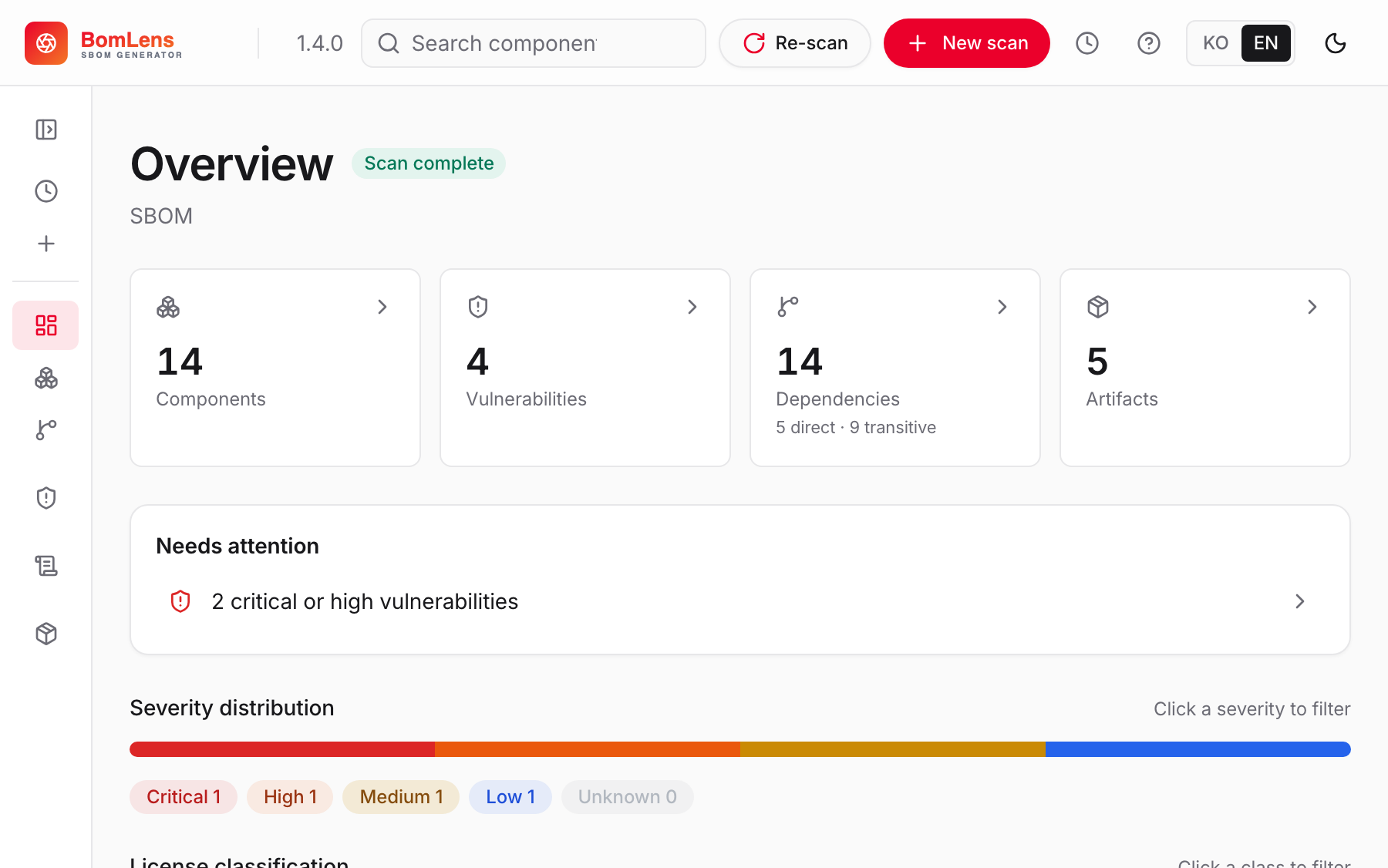
A local-first SBOM generator and open-source risk assessor for a single project. From source code, a container image, a binary, firmware, an SBOM you received, or a HuggingFace AI model, it produces an SBOM (CycloneDX 1.6), an open-source notice, and a security risk report in one run. For an AI model it builds a CycloneDX ML-BOM and checks it against the G7 minimum elements for AI, whose clusters overlap with the EU AI Act's Annex IV.
Want to see what a result looks like before installing anything? The live demo is the real web UI holding one finished scan of each kind: a Spring Boot project from source, a container image, a device firmware image, an AI model as a CycloneDX ML-BOM, and a supplier SBOM checked against the format requirements. Nothing to install, and nothing is uploaded: it is a frozen copy of results produced by ordinary local runs.
Prefer no command line? Download the installer and double-click it. A Docker engine is required; the free Rancher Desktop works well on Windows. A step-by-step walkthrough is in the no-CLI quick start.

Where to start
If you want to try it
-
Getting started
Install through your first SBOM (desktop app, web UI, and CLI).
-
No-CLI quick start
Make an SBOM and a notice with the desktop app, no command line.
-
Input scenarios
GitHub URL, ZIP, local source, an existing SBOM, firmware.
-
Supplier SBOM
Validate an SBOM you received and issue a risk report.
If you run it in CI or need the reference
-
CLI reference
Every option and analysis mode.
-
CI/CD
Run scans in a pipeline and gate on the result.
-
Notice & security report
Generate and read the outputs, plus using the web UI.
-
AI model SBOM
An ML-BOM for a HuggingFace model, checked against the G7 minimum elements and mapped to the EU AI Act.