Generate SBOMs and assess open-source risk, all locally
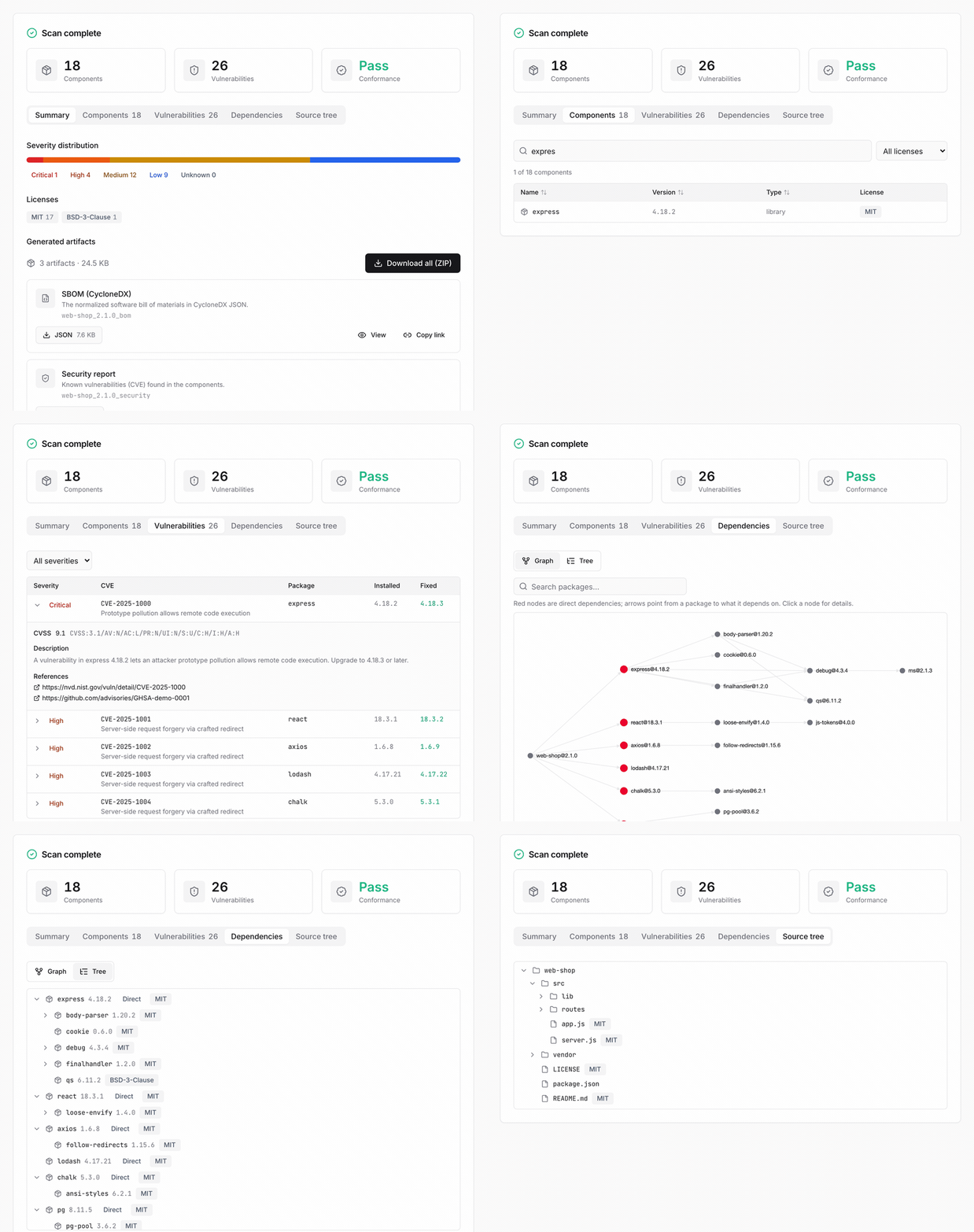
A local-first SBOM generator and open-source risk assessor for a single project — no SaaS, no account. From source code, a container image, a binary, or an SBOM you received, it produces an SBOM (CycloneDX 1.6), an open-source notice, and a security risk report in one run.
Get started Download for Windows (.exe)
Prefer no command line? Download the installer and double-click it. A Docker engine is required; the free Rancher Desktop works well on Windows. A step-by-step walkthrough is in the no-CLI quick start.
Where to go next
-
Getting started
Install through your first SBOM (desktop app, web UI, and CLI).
-
No-CLI quick start
Make an SBOM and a notice with the desktop app — no command line.
-
Input scenarios
GitHub URL, ZIP, local source, an existing SBOM, firmware.
-
Supplier SBOM
Validate an SBOM you received and issue a risk report.
-
Notice & security report
Generate and read the outputs, plus using the web UI.
-
CLI reference
Every option, analysis modes, CI/CD.